
How to Integrate Restaurant Delivery Robots With Your Existing Team (Without the Teething Problems)
A restaurant delivery robot works best when the team knows exactly how it fits into service. A practical guide to site preparation, staff responsibilities, training and a phased rollout.
Quick answer
Restaurant delivery robot integration is the practical work of fitting a robotic food runner into a restaurant's layout and service routines. It includes checking routes, agreeing staff responsibilities, configuring the robot, training each shift and establishing what to do when a route is blocked or an alert appears. The robot carries items between agreed points while staff load and unload it, check the order and serve the guest.
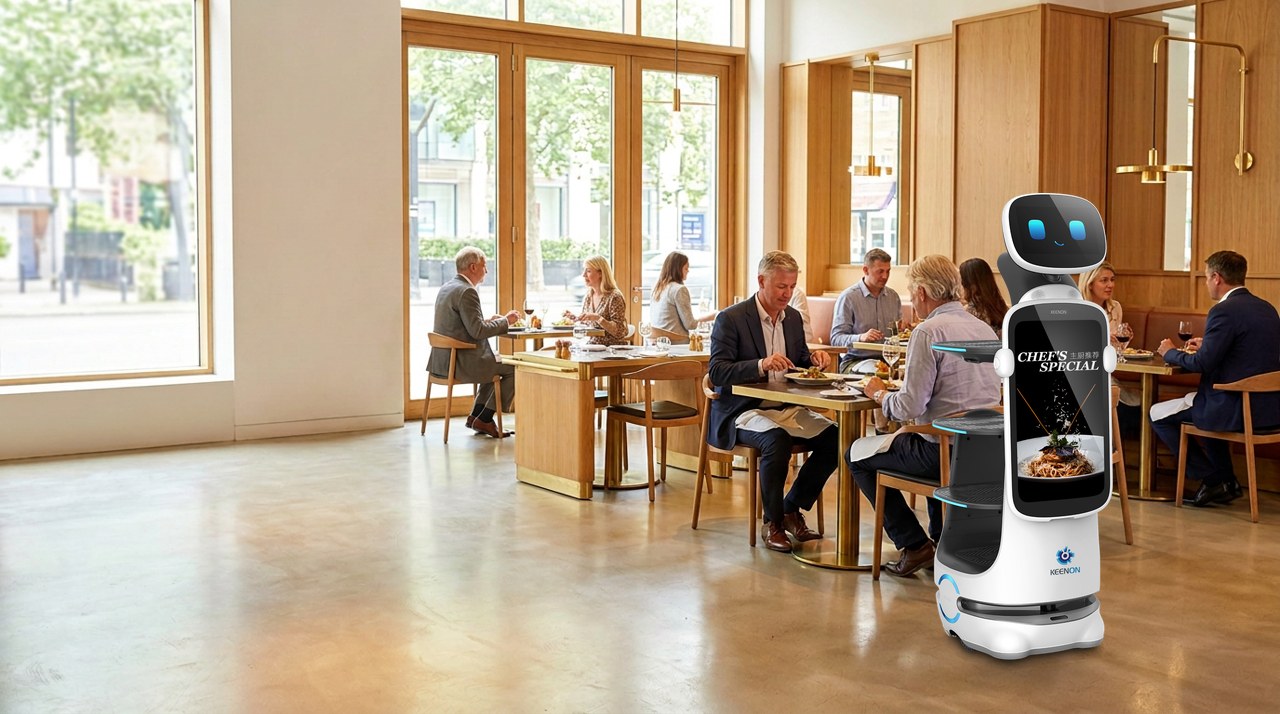
A restaurant delivery robot works best when the team knows exactly how it fits into service. If nobody owns loading, alerts go unanswered or the mapped route is blocked by a newly moved table, the robot can become an extra task rather than a useful one.
This guide explains how to integrate Keenon DINERBOT T9, T10 and T11 food-running robots into an existing restaurant operation. The aim is not to automate hospitality: it is to shift repetitive carrying tasks while staff remain responsible for guests, food and service.
What is restaurant delivery robot integration?
Restaurant delivery robot integration is the practical work of fitting a robotic food runner into a restaurant's layout and service routines. It includes checking routes, agreeing staff responsibilities, configuring the robot, training each shift and establishing what to do when a route is blocked or an alert appears.
The robot carries items between agreed points. Staff load and unload it, check the order and serve the guest. It supports the team; it does not replace waiting staff or take responsibility for hospitality.
The first-week problems to prevent
Most early difficulties are operational, not mysterious technical faults. Plan for these before the robot arrives:
- It is treated as a novelty. Without an agreed task, staff may use it inconsistently or leave it parked.
- Nobody owns loading or unloading. Orders wait at the pass, or the robot arrives at a table with no one ready to meet it.
- The route changes. A chair, highchair or temporary table can obstruct a route that was clear during mapping.
- Alerts have no clear owner. Staff are unsure who should respond, pause the robot or call for help.
- Guests do not know what to do. They may hesitate, attempt to take food themselves or assume the robot is serving without staff.
- It is used at peak before the team is ready. A busy service exposes unclear handovers and route issues at the worst time.
Treat the first weeks as a managed operational trial. Start with a narrow, repeatable task and expand once staff can handle it reliably.
Prepare the site and workflow before installation
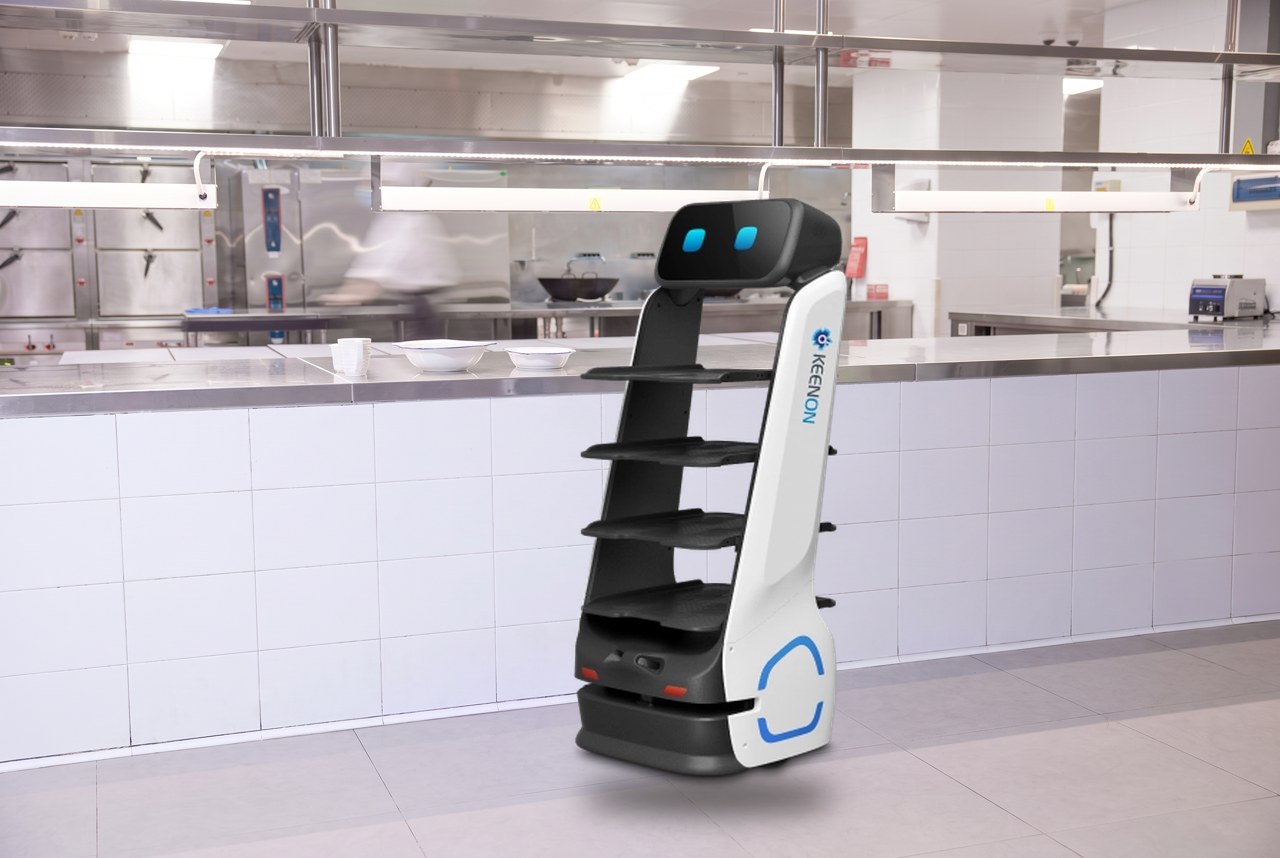
A site survey should consider the restaurant as it operates, not just an empty room. Check routes with chairs in their normal positions, doors open or closed as they are during service, and staff moving between the kitchen and tables.
Map the route and handover points
Agree a practical route from the pass to the relevant dining areas. Identify:
- The loading point and where the robot should wait for orders.
- The delivery or handover points, such as a section entrance or agreed table-side position.
- Narrow aisles, doorways, turns, thresholds and floor changes.
- Areas to avoid, such as the bar queue, host stand or kitchen swing doors.
- A suitable charging location that does not obstruct work.
A mapped route is only as reliable as the layout it reflects. Tell the deployment team about furniture or service changes, and agree who checks the route before service.
Define the job and responsibilities
Decide what the robot will carry and what remains a manual run. For example, begin with plated food on one route, rather than trying to automate food, drinks, clearing and every dining section at once.
Write down who:
- Loads the correct order and confirms its destination.
- Starts or dispatches the robot.
- Meets it at the delivery point and unloads the items.
- Responds to an alert or blocked route.
- Returns the robot to its dock and reports any fault.
Keep food safety, allergen checks, order accuracy and guest service with staff. Do not put unstable, unsuitable or unapproved loads on the trays.
Choose a model for the actual route and task
The right service robot for restaurants depends on payload, display needs and the clear space available. Use model specifications as a shortlist, then verify the fit in a site survey and working demonstration.
| Model | Published carrying capacity | Display | Often suited to |
|---|---|---|---|
| DINERBOT T9 | 4 trays; approximately 40 kg total | Operational touchscreen; no separate promotional display identified in the published specification | Larger dining rooms, multi-tray runs and banqueting routes |
| DINERBOT T10 | 4 trays; up to 40 kg total | 23.8-inch promotional display and 11.6-inch customer touchscreen | Restaurants that can use both food running and on-floor menu or promotional content |
| DINERBOT T11 | Up to 20 kg total; confirm suitable tray and load arrangement | 18.5-inch display | Tighter routes and compact dining areas where a smaller footprint is important |
Capacity and display details are based on published product information and should be confirmed against the configuration proposed for your site. In particular, measure the tightest route and turning space; a robot's width alone does not confirm that it can navigate a doorway or turn safely.
Train the team before the first live service
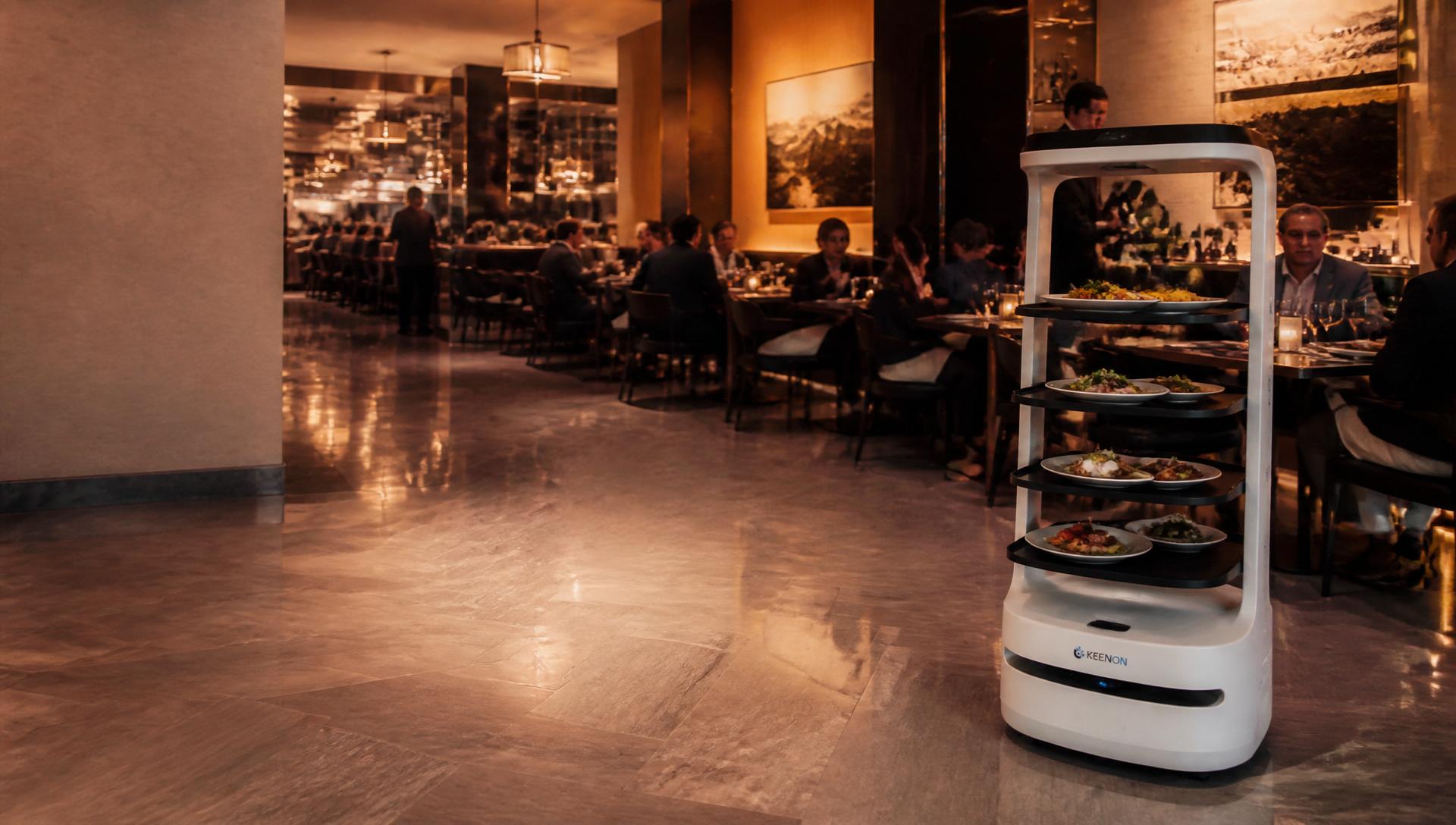
Training should include everyone who may encounter the robot, not only the person who attended installation. Brief part-time staff, weekend teams and managers who cover other sections.
Make sure staff know:
- Who starts and stops the robot, and how to send it to an agreed destination.
- Who loads orders and who meets it at the handover point.
- What to do if a route is blocked: pause or redirect it using the agreed process, clear the obstacle only if safe, and use the manual food-running fallback if needed.
- Which person or role handles alerts, and when to contact support.
- How to return the robot to its charging point and report a problem.
- What to tell guests and how to keep the interaction warm and personal.
Keep a short quick-reference guide near the pass. A staff member should never have to guess whether to move a robot, ignore an alert or leave a guest waiting.
Explain the robot simply to guests
"Our robot is helping us carry your order. A member of the team will bring the food to your table."
A short, friendly explanation is usually enough. Staff should remain available to answer questions, serve dishes, check on guests and handle requests. The robot may attract attention at first, but the experience should still feel like your restaurant's service, not a machine operating on its own.
Roll out in phases, not all at once
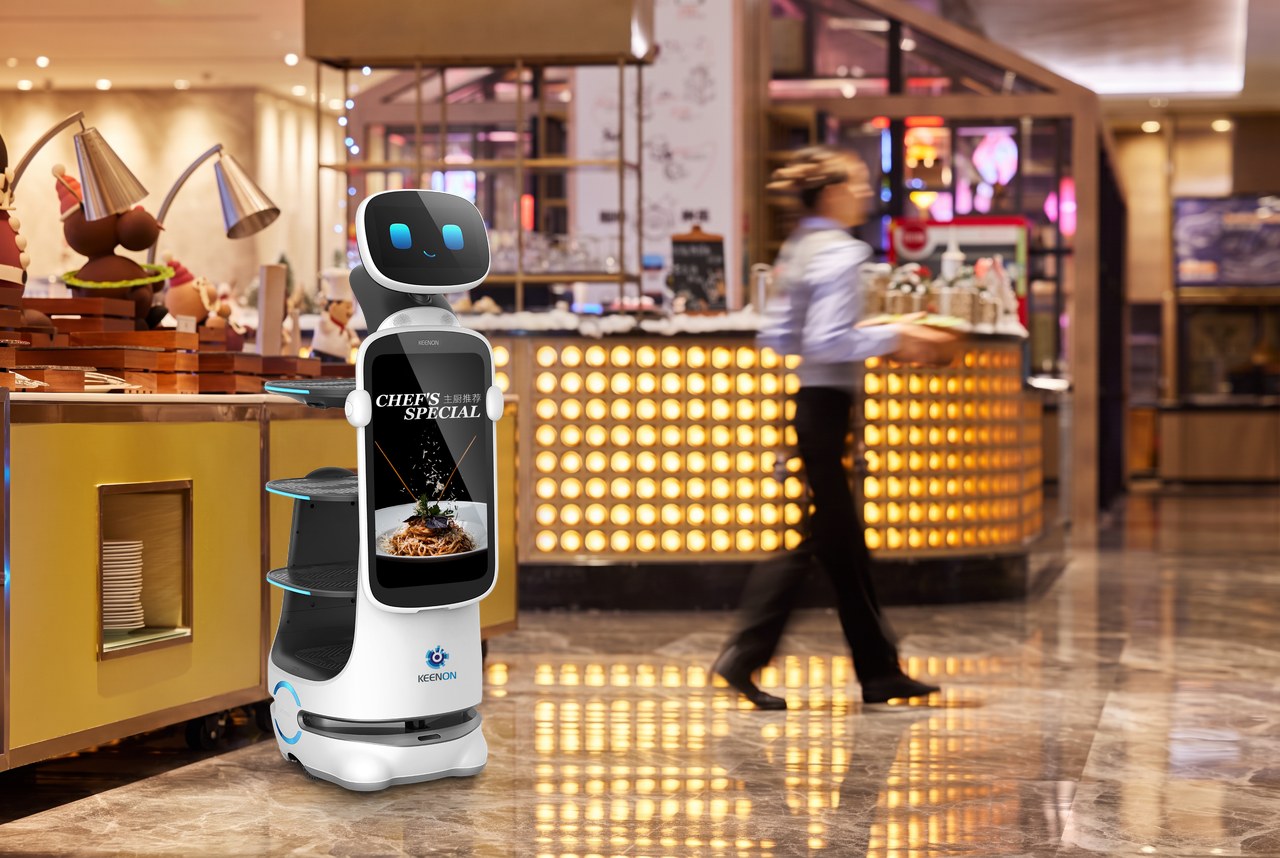
A phased start gives the team time to learn the routine and gives managers a chance to spot problems while service is manageable.
Week 1: Quiet-service practice
Use one simple route during a quieter service. Practise loading, dispatch, meeting the robot and unloading. Record blocked routes, confusing handovers and guest questions. Adjust the route or responsibilities before extending use.
Week 2: Add a busier service
Use the same task during a busier period, with a named person responsible for dispatch and alerts. Keep a manual food-running option available. Review the service afterwards with the team: what worked, where did the robot wait, and what needs changing?
Week 3: Add a second task if ready
If the first routine is reliable, consider adding another section or a return journey for staff-loaded cleared crockery. Keep clean and used items separate, and agree who loads and unloads each type of run.
The timing is a guide, not a deadline. A restaurant should move to the next stage when the current routine works consistently, not simply because a calendar says so.
Phased rollout checklist
- Complete a site survey and test the real route with furniture in place.
- Map loading, delivery, charging and no-go areas.
- Choose what the robot will carry, and what it will not.
- Assign responsibility for loading, dispatch, unloading and alerts.
- Train every relevant shift and agree a manual fallback.
- Prepare a simple explanation for guests.
- Start during quiet services and gather staff feedback.
- Test a busier service before expanding the task.
- Add clearing runs or other routes only when the first workflow is working.
- Agree who contacts support and what staff should do if a fault occurs.
Commercial options and ongoing support
Restaurants can deploy service robots for restaurants in three common ways:
- Outright purchase: The business buys and owns the robot. Support and maintenance arrangements should be set out separately or as part of the agreement.
- Hybrid ownership: The business purchases the hardware and agrees an ongoing support arrangement.
- Robotics-as-a-Service (RaaS): A subscription model that can include the robot, installation, training, maintenance, software updates and support, as set out in the agreement. It offers a way to trial a use case without the upfront capital outlay of buying the robot.
RaaS can be a lower-commitment way to begin with one robot and assess its fit before considering wider use. The scope of support and maintenance should always be confirmed in the written proposal.
After go-live, staff should follow the agreed daily checks and cleaning routine, keep routes clear and report recurring issues rather than working around them indefinitely. Fresh Mango Robotics provides installation, mapping, staff training and ongoing support through its UK-based support desk. If something goes wrong, follow the manual fallback, make the area safe and contact support using the agreed procedure.
Make the first weeks work for your team
A successful restaurant delivery robots integration starts with a clear task, a realistic route and named staff responsibilities. Train the people who will use the robot, begin with quieter services and expand only when the handovers work smoothly. That gives the robot a defined role while keeping hospitality firmly in human hands.
Last reviewed:
Frequently asked questions
Do restaurant delivery robots replace waiting staff?
No. They carry items along mapped routes, while staff load and unload them, check orders, serve guests and handle requests. The purpose is to support staff with repetitive carrying, not replace human hospitality.
How should we introduce a robotic food runner to the team?
Involve the team in the site trial, define a specific first task and assign clear responsibility for loading, dispatch, handover and alerts. Train each relevant shift and keep a manual fallback in place.
Can the robot be used during a busy service?
It may be suitable, but test it during quieter services first. A working trial should check routes, handovers, guest movement and staff response to blocked paths before use is extended to peak periods.
What should staff do if the robot's route is blocked?
Follow the site's agreed procedure: pause or handle the robot using the controls staff have been trained on, keep the route safe and use the manual food-running fallback if needed. Report repeated obstructions so the route or furniture plan can be reviewed.
Which Keenon model should a restaurant choose?
The T9 is listed with four trays and approximately 40 kg capacity; the T10 combines four-tray delivery with two displays; and the T11 has a smaller footprint and a published 20 kg total capacity. The best fit depends on the load, display requirement and measured route. Confirm details during a demonstration and site assessment.
Does the robot connect to our restaurant's ordering or POS system?
Do not assume that a particular POS or ordering integration is available. Discuss your systems during the site assessment and have any required integration confirmed and tested before relying on it in service.
What does Robotics-as-a-Service include?
The agreement can include the robot, installation, training, maintenance, software updates and support. Confirm the exact inclusions, service arrangements and responsibilities in the written proposal.
How do we make guests comfortable with the robot?
Explain that it is helping carry the order and that staff will continue serving them. Keep a team member available to answer questions and provide the personal service guests expect.
Talk to a robot supplier you can actually visit
We are based in Ripon, North Yorkshire, with engineers across the North of England. On-site demos as standard.
Related articles

Peak Times, Fewer Hands: How Restaurants Keep Service Flowing When Staffing Dips
Sickness, vacancies and rota gaps hit hardest at peak service. Here is how Keenon T9, T10 and T11 food-running robots absorb repetitive tray transport so the available team stays close to guests.
Robots Don't Replace Great Staff. They Help Great Staff Do More.
The most common concern about commercial robots comes from staff, not managers. Here is how robots take repetitive work off great people — and how to introduce them to your team honestly.
How a Commercial Robot Deployment Works: From Demonstration to Go-Live
What actually happens between the first demo and the robot going live in your operation — the deployment process used by Fresh Mango Robotics across the UK.
Keep reading