
Process
How it works
Four steps from first contact to a working robot. We handle the complexity so you don't have to.
At a glance
Site Survey
Duration
1–2 days
Deliverable
Site assessment report and robot recommendation
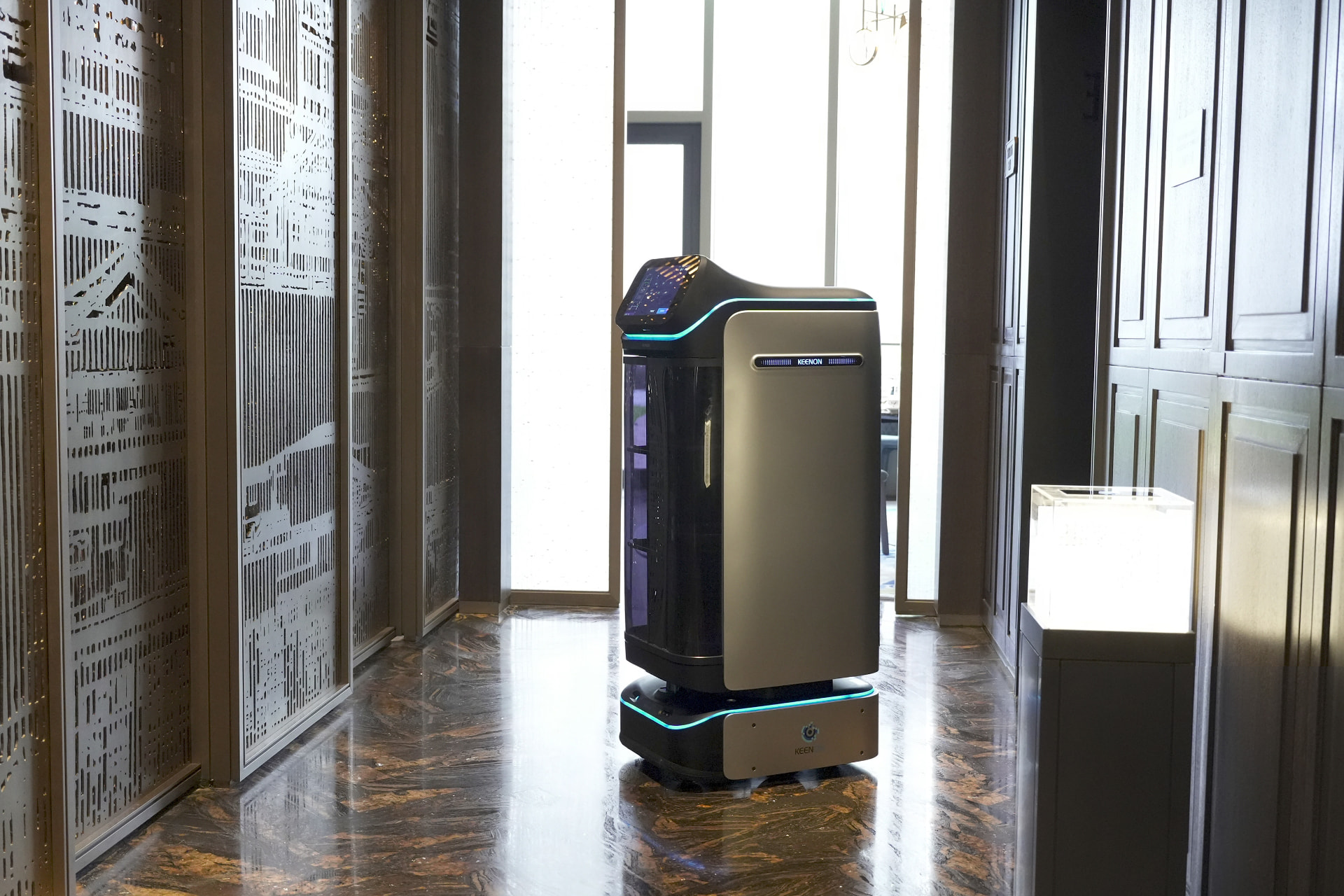
We visit your premises — or review your floor plans remotely — to understand your layout, traffic patterns, and operational requirements. We identify the right robot model, the optimal routes, and any infrastructure needs.
Demo
Duration
Half day
Deliverable
Live demonstration and Q&A with your team
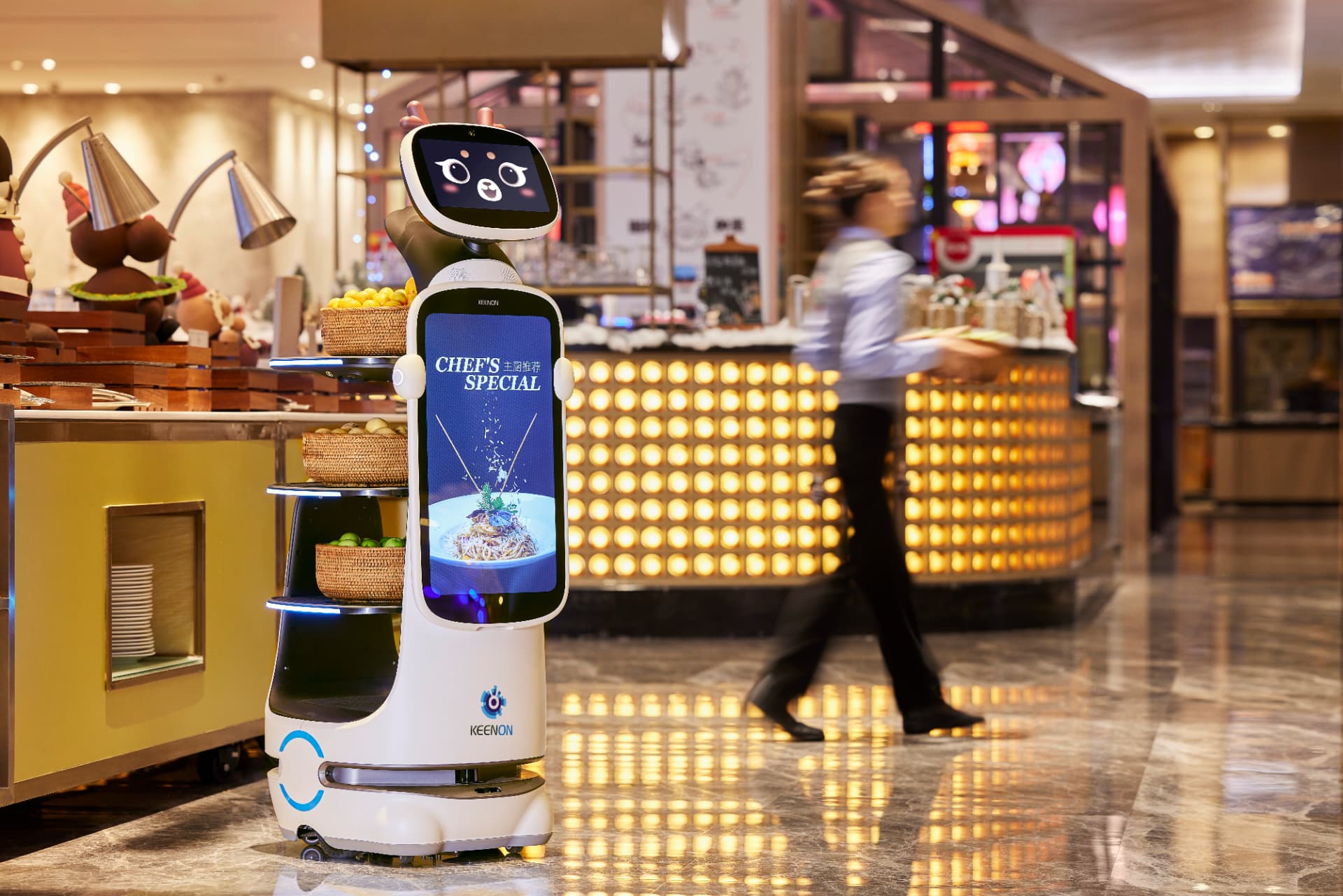
We bring the robot to your site and run it on your floors. Your team sees it in action, asks questions, and gets comfortable with the technology. No obligation. No pressure.
Deploy
Duration
1–2 days
Deliverable
Installed robot, mapped routes, trained staff
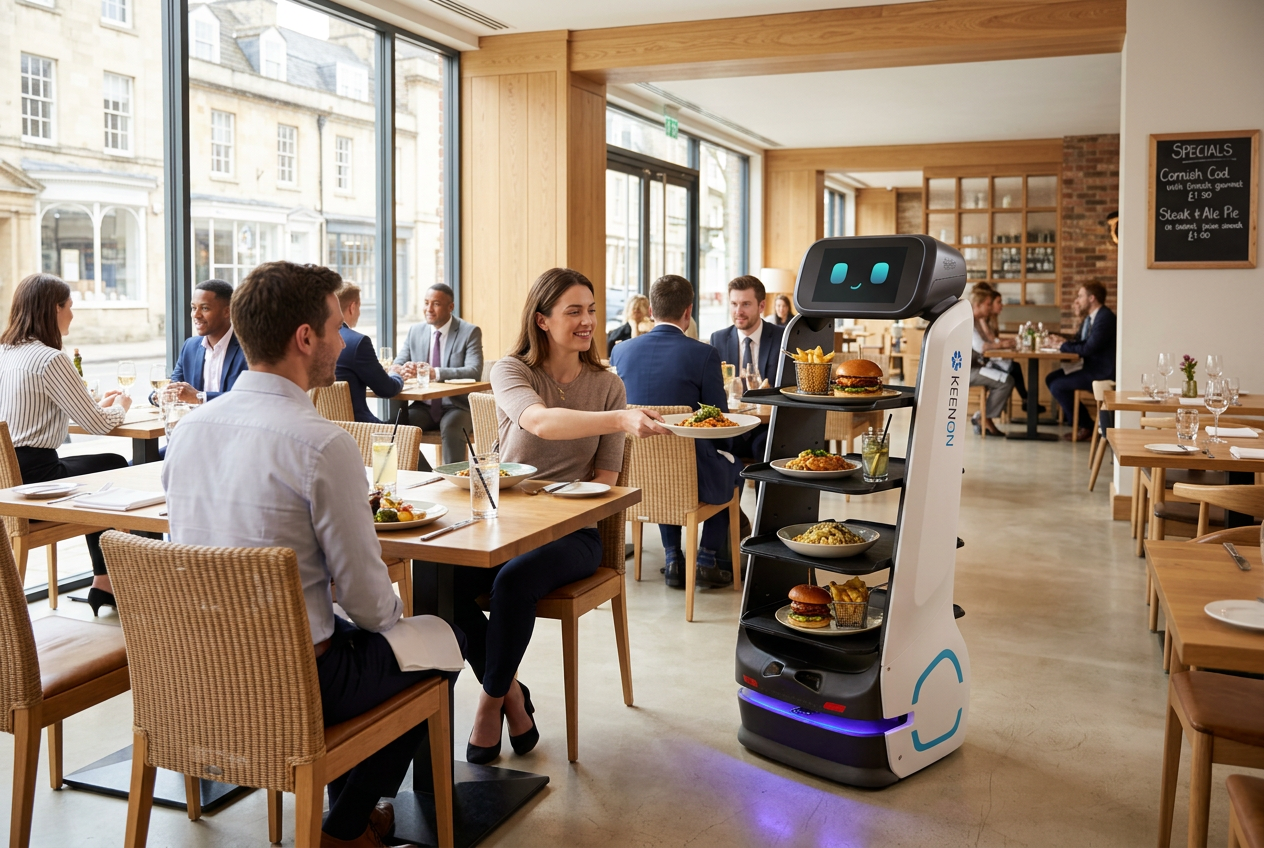
We handle installation, mapping, and configuration. Then we train your staff — not just button-pressing, but how to manage the robot day-to-day, handle exceptions, and get the most from the system.
Support
Duration
Ongoing
Deliverable
Support contract with defined SLAs
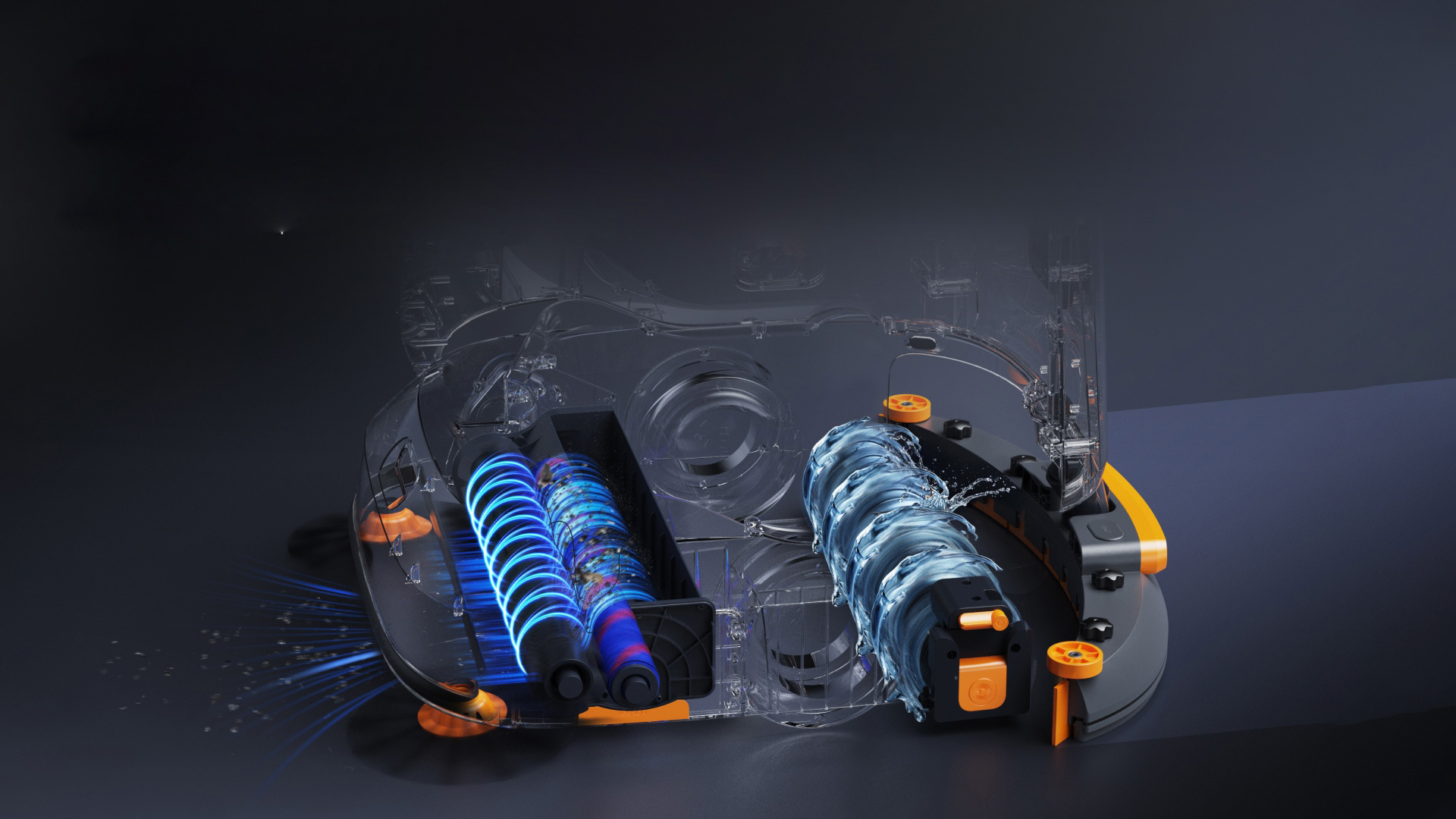
Ongoing support from our UK service desk. Remote monitoring, software updates, and an engineer on the phone when you need one. Optional on-site maintenance visits and SLA-backed response times.
Deployment and technical FAQs
How long does it take to deploy a robot?
Most sites are live within a week of the survey. Installation itself usually takes a day: our engineers map the floor plan, set routes and exclusion zones, configure schedules, run safety checks and train your team. Hospitality deployments are frequently in live service the same day.
Do I need to change my building or infrastructure?
Rarely. Robots need a charging point and reasonable Wi-Fi coverage. They handle standard commercial floor surfaces, thresholds and door widths. The only common addition is a small lift controller where the robot needs to move between floors, which our engineers install.
How much training do staff need?
Around 30 to 60 minutes. Day-to-day operation is starting a route, filling and emptying tanks or loading a tray, and reading the status screen. We train on site during installation, leave written guidance, and are available by phone whenever a new starter needs a refresher.
Can robots use lifts to move between floors?
Yes, for models designed for multi-floor use such as BUTLERBOT and our delivery robots. This requires a lift controller, fitted by our engineers, that lets the robot call the lift, board, select a floor and exit autonomously. Not every lift is compatible without modification, so lift integration is assessed and quoted separately during the survey.
How do robots navigate without pre-laid tracks or markers?
Robots build a map of your site during installation using LiDAR and SLAM (simultaneous localisation and mapping), then localise against that map in real time as they move. This means no floor magnets, tape or fixed rails are needed, and routes can be edited in software when your layout changes rather than requiring physical rework.
What Wi-Fi and connectivity do robots need?
Robots need reasonable Wi-Fi coverage across the areas they operate in, mainly for remote monitoring, software updates and fleet reporting rather than real-time navigation, which runs on the robot's own onboard sensors. We check signal coverage during the site survey and advise on any access point additions needed before installation.
Want the detail on who is responsible for what? See our Trust Centre.